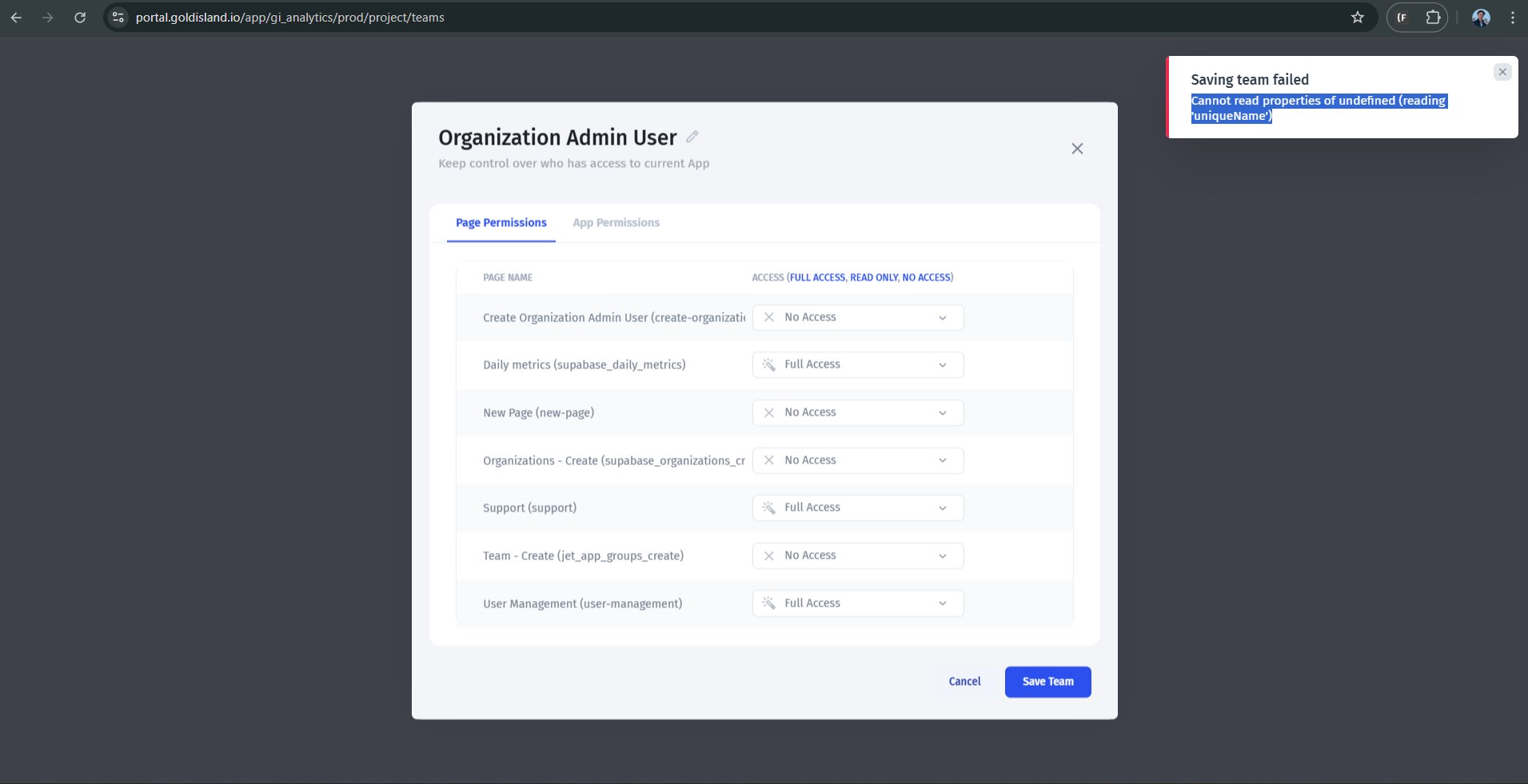
While editing permissions for a team, I got this error:
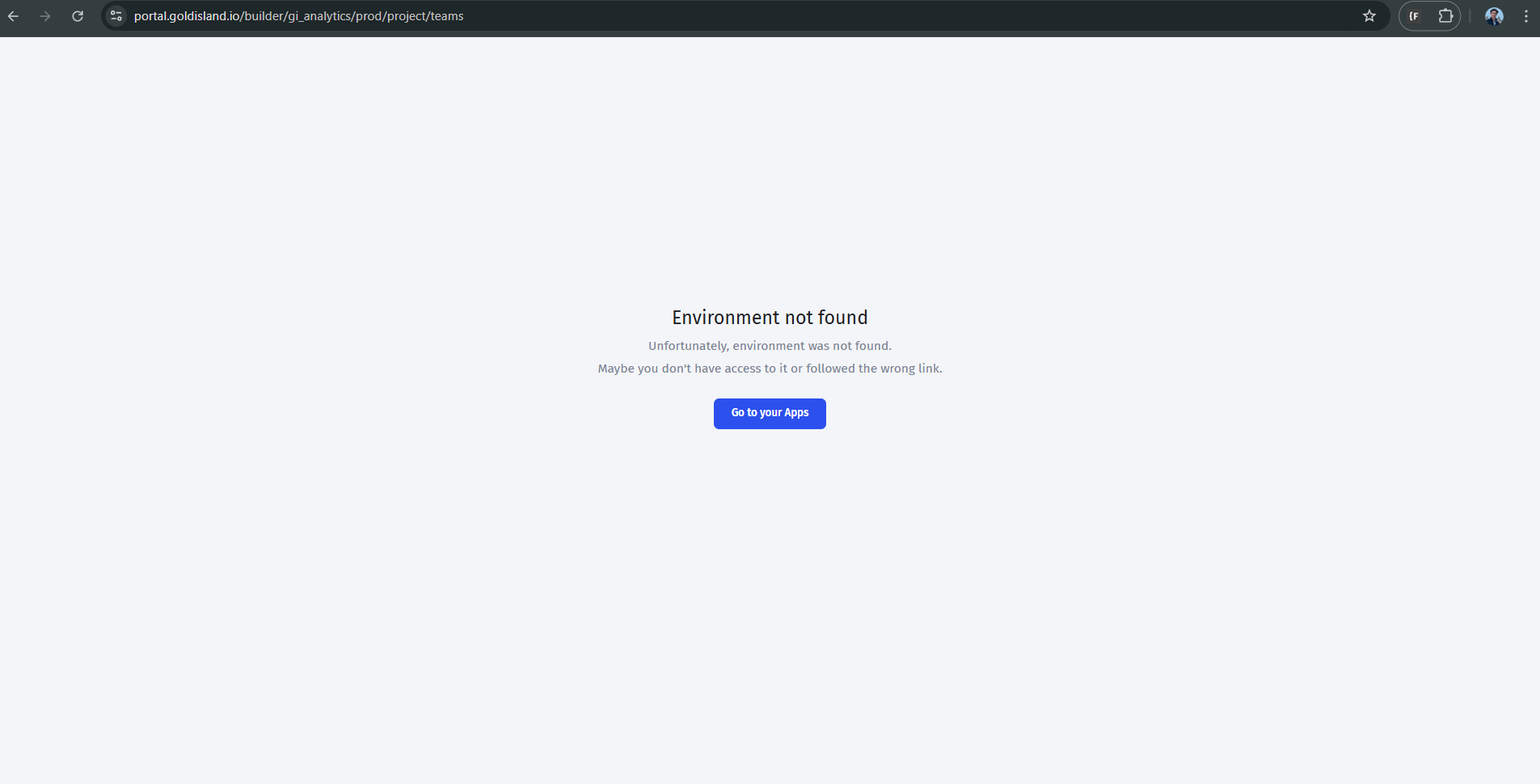
After getting the error, my project crashed and became inaccessible. Now when I visit my project url, I get this error:
view comment
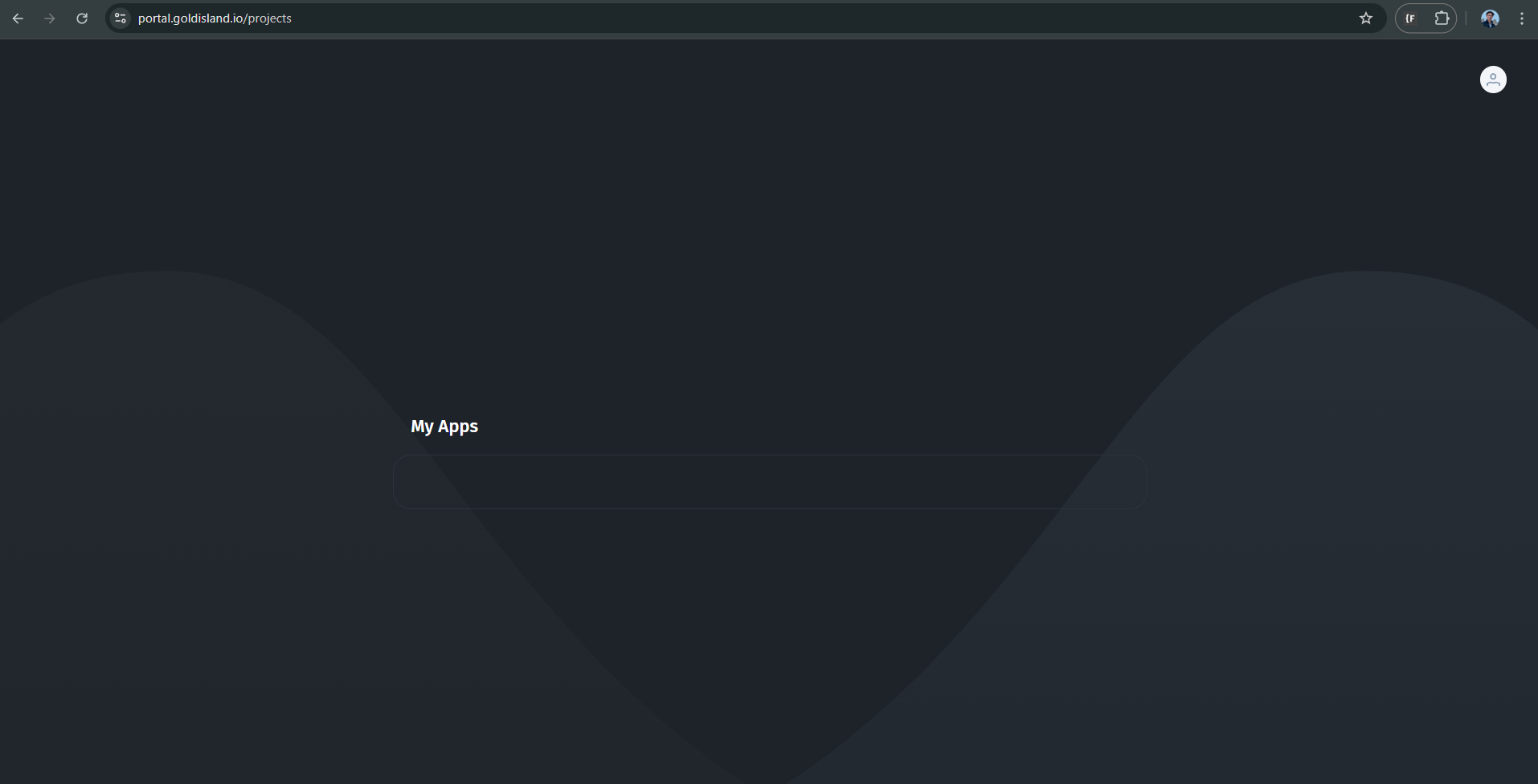
When viewing the /projects page, my project does not show up either:
view comment
I’ve cleared my browser cache as well as trying to sign in on a different browser to ensure that the issue is not on my end. The weird thing is that I can still sign into the app via a user (non administrator) account, but I’m unable to access the app through my administrator account which means I’m unable to continue working on this app.
New users can only upload one image for some reason, so I’ll upload the other images in comments.
Does anyone have an idea what could be causing this?